
You have a guest list. Now you need to know where every one of those people lives, and Aunt Linda moved last spring.
If you are wondering about the best way to get addresses for your wedding, the short answer is this: send one link that guests fill in themselves, then keep everything in one list.
The longer answer depends on your family, your timeline and how much chasing you are willing to do. This guide walks through every method couples actually use, what each one is good at, and how to stay organized once the addresses start coming in.
Why collecting addresses matters more than it seems
Every piece of mail you send for your wedding needs an address: save the dates, invitations, and thank-you cards after the day. A wrong address means a returned envelope, a reprint and a guest who wonders why they never heard from you.
It also takes longer than couples expect. With 150 guests you are looking at roughly 70 households, and some will take three reminders. Start collecting about two to three months before your save the dates go out.
An overview of the best methods
There are four families of methods for how to gather addresses for a wedding:
- Traditional: ask parents, ask directly, or collect in person.
- Digital: an online address form, a Google Form or your wedding website.
- Social: group chats, private messages and posts.
- Creative: an address request built into a save the date or announcement.
Most couples mix two or three. The best ways to collect mailing addresses for a wedding share one thing: the guest types their own address, so you are not copying it from a text message at midnight.
Traditional methods
Ask family and friends
Start with the people who already have the addresses. Your parents, grandparents and that one organized cousin often hold an address book, a holiday card list or a contact list full of the relatives you barely know.
The role of parents
Parents are your best source for their side of the family. Ask each set of parents for their list in one go, in whatever form they keep it, and tell them the date you need it by.
Expect some old addresses, so treat their list as a starting point and confirm anything older than a year.
Direct requests
A call or a personal text still works, especially for older guests who won't fill in a form. It is slow, though: you are typing every address yourself, one conversation at a time, and typos slip in.
A wedding guestbook
If you are having an engagement party or shower, a guestbook with a line for each guest's address does double duty. Guests write it themselves, and you get a keepsake. Handwriting can be hard to read, so check anything unclear.
In-person collection at engagement events
At an engagement party, set out address cards and a pen, or put a QR code on the table that opens an online form. The QR code saves you from reading handwriting later.
Digital methods
Online address forms
The best way to collect addresses for wedding invites, for most couples, is an online address collector. You make one link, share it by text, email or social media, and each guest household fills in its own names and mailing address.
Loverly, Postable, Joy and PlanSeats all offer one at no cost, and each saves the answers to your account. The differences are in the details: whether guests need an account (none of these require one), whether the answers land in a guest list you will use later, and how much you can make the form look like your wedding.
PlanSeats address collector
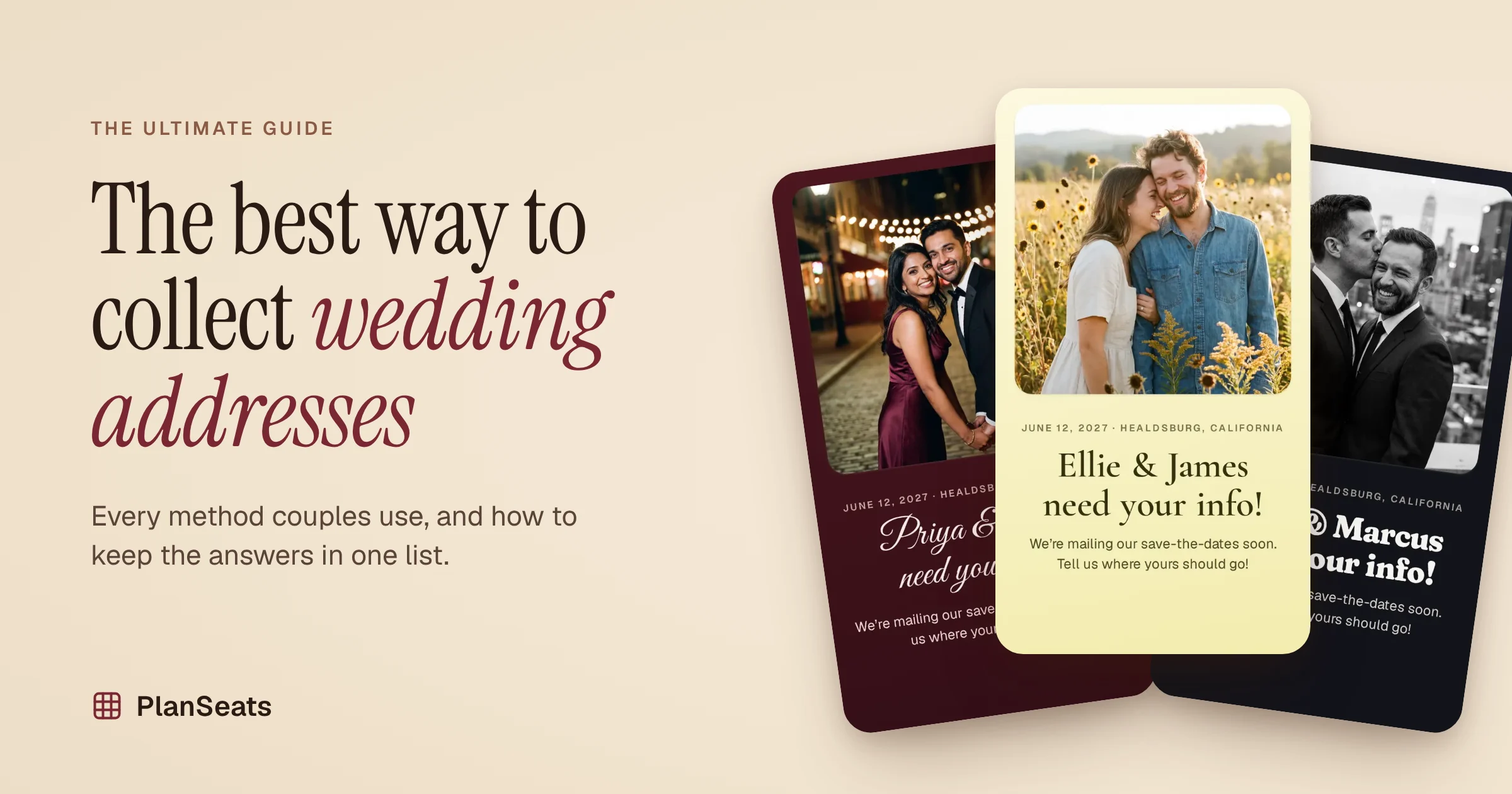
The PlanSeats address collector is built to feel like stationery, not a survey. You design it before you sign up: pick your paper and lettering, add your photo, and write your own headline. Guests open your link, see your cover, and step through a few short screens.
A few things make it different:
- Guests watch their envelope fill in. As they type, a small envelope at the top shows exactly how their name and address will print.
- Address search does the typing. Guests start typing and pick their address from a list, so fewer typos reach you.
- Households, not individuals. One guest can add everyone at their address, with the right titles.
- You choose the questions. Turn on email, phone, birthday, kids, dietary needs and more, or keep it to the address.
- Answers land in your guest list. Each response is matched to your guests by name, and the list shows how many addresses you still need, with a filter for who is missing.
Collecting addresses is free, with no limit on guests. When you are ready to seat everyone, the same guest list feeds the seating chart.
Google Forms
A Google Form costs nothing and takes ten minutes to set up. Answers go into a Google Sheet you can sort and share.
The trade-offs: there is no address search, so typos come through as typed; it looks like a form rather than something from your wedding; and you merge the sheet into your guest list by hand.
Wedding websites
If you already have a wedding website, check whether it has an address request. Joy, for example, saves responses to its guest list and lets you export a CSV.
This works well if the site is where you will keep RSVPs too, though guests who haven't seen your website yet may not know where to look.
Social media outreach
Use your existing networks
Family group chats, a college friends thread or a work channel reach many people at once. Post your address link there rather than asking people to reply with their address: one link keeps the answers out of a long chat you will have to scroll through later.
Private messages and posts
For people you don't text often, a private message with your link is friendly and quick. A public post works too, but anyone who sees it can send an address, including people who aren't on your list, so finish your guest list first.
Related: 12 copy-paste texts for asking for addresses →
Creative techniques
A save the date address collector
If you are sending a digital save the date or engagement announcement, put your address link right in it. A save the date address collector turns "we're getting married" into "and here's where to send your invitation" in one step.
With PlanSeats, your link shows your photo and headline in the message preview, so it reads as an announcement, not a chore.
Fun and interactive methods
Make it a little game: tell your group chat the first household to send their address gets a mention in your welcome speech, or post a countdown of how many addresses you still need. People respond faster when they can see the finish line.
Themed postcards and announcements
A printed postcard with a QR code works for guests who prefer paper. It is a lovely touch for grandparents, and the code still sends them to an online form, so you skip the handwriting.
Connecting with guests creatively
A short voice note or video asking for addresses feels personal and gets replies. Pair it with your link so the answer lands in one place.
How to collect addresses with one link
- Design your form. Add your names, your date and a photo, and pick colors that match your stationery. Choose what to ask: names and an address by default, plus email, phone, dietary needs or anything else you need.
- Send the link once. Drop it in the family group chat, email it, or print its QR code on a card. A short note helps: "We're mailing save the dates soon. Add your address here by March 1."
- Watch the answers arrive. Each household's names and address land on your guest list as they send them, matched to the guests you already listed.
- Chase the last few. A week before your deadline, check who is still missing and send them the same link again.
Organizing collected addresses
Creating a spreadsheet
If you collect by text or phone, a spreadsheet is the classic home. Use one row per household with columns for the envelope name, street, unit, city, state, ZIP and country.
Add a column for where the address came from, so you know which ones to double-check.
Address management tools
An address collector that saves into a guest list does the spreadsheet's job for you. Look for three things: households grouped together, a count of who is still missing, and a way to spot duplicates, like "Bob" answering for "Robert". PlanSeats flags those likely duplicates and lets you merge them in one click.
Apps and software recommendations
| Tool | Best for | Guests need an account? |
|---|---|---|
| PlanSeats | A stationery-style form whose answers feed your guest list and seating chart | No |
| Joy | Couples who use Joy's wedding website | No |
| Postable | Couples who will print and mail through Postable | No |
| Loverly | A quick link with a photo and message | No |
| Google Forms | A plain form in a spreadsheet you control | No |
Tips for successful address collection
Respect privacy
Addresses are personal. Share your link only with people on your guest list, never ask for more than you need, and pick a tool that doesn't contact your guests on its own.
Consider guest preferences
Some guests love a link; some want a phone call. Offer both, and send the link to one person per household so you don't get the same address twice.
Collect RSVP and extra details at the same time
While you have their attention, ask for what you will need later: email and phone for updates, dietary needs, and whether kids are coming. Keep it short, though. Every extra question is a reason to put it off.
Frequently asked questions
Is it rude to ask guests for their address?
No. Every couple has to ask, and guests expect it. A friendly note with your date and a deadline reads as excitement, not as a chore.
Should I collect addresses before or after save the dates?
Before. You need every address to mail your save the dates, so collect them two to three months ahead and leave a few weeks for stragglers.
How do I collect addresses for guests who aren't online?
Ask a family member to fill in the form for them, or call and type their answer in yourself. One list keeps everyone in the same place.
Can guests update their address if they move?
Yes. With PlanSeats, a guest who moves opens the same link and sends their new address.
Can I use the same list for my seating chart?
Yes. With PlanSeats, the addresses land on the same guest list you use to build your wedding seating chart, so you never copy names twice.
Conclusion
A recap of best practices
The best way to collect addresses for wedding invitations is to finish your guest list, send one link, let guests type their own address, and keep every answer in one list. Fill the gaps with your parents' address books and a few phone calls.
Start early
Send your address link two to three months before your save the dates, then follow up two weeks later with anyone still missing. Our week-by-week plan for save the date addresses lays it out.
Make your address link with PlanSeats →
Collecting addresses is free, with no limit on guests. It takes about five minutes.